
Note: This guide is based on verified repair protocols. As an Amazon Associate, I earn from qualifying purchases.
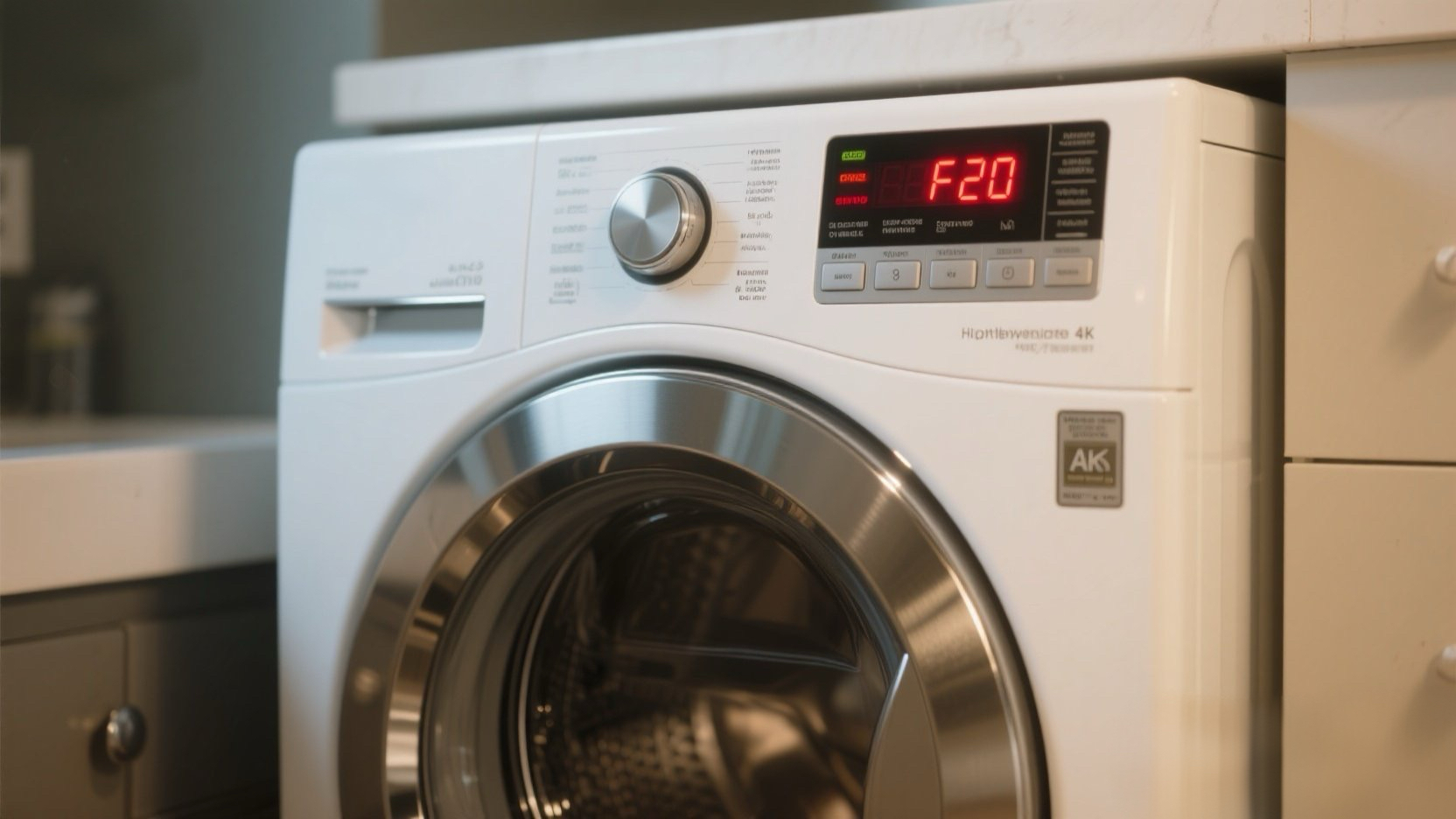
You hit start, the washer hums, but no water enters the drum (or it stops halfway). Suddenly, F20 (or FH on older models) flashes. This code stands for “Water Inlet Fault”. The computer isn’t seeing the water flow it expects.
The Reality Check: Before you buy parts, go check your wall taps! Did someone turn the water off? Are the hoses kinked? If those are fine, the culprit is usually clogged inlet screens or a dead Flow Meter.
🎥 The Repair Video
If cleaning the screens (Step 1 below) doesn’t fix it, your Flow Meter is likely dead. This component spins as water passes through to tell the computer “water is flowing.” Watch this guide to see how to replace it.
🛒 Parts & Tools Checklist
Unlike F8 E1 (which is usually the Valve), F20 is often the Flow Meter. Check your model number to be sure.
-
The Part (Flow Meter):
👉 Check Price for OEM Whirlpool Flow Meter (W10110225)
(Note: This is the most common cause of F20/FH on Duet models.) -
The “Other” Part (Inlet Valve):
Check Price for Water Inlet Valve
(If the flow meter is fine, the valve solenoids might be dead.) -
Essential Tool (Pliers):
Slip Joint Pliers (For hose clamps)
🧹 Step 1: The “Free Fix” (Check the Screens)
Do not skip this. 50% of F20 errors are caused by sand or calcium blocking the inlet screens.
- Turn off the hot and cold water taps at the wall.
- Unscrew the hoses from the back of the washer.
- Look inside the valve ports: Do you see orange rust, blue gunk, or white sand?
- Clean it: Use needle-nose pliers to gently pull out the mesh screens and rinse them. Or scrub them in place with a toothbrush.
- Reconnect and test. If water flows, you’re done!
🐍 Step 2: The Hose Check
If you recently moved the washer, check the hoses behind it.
- Kinks: Did you push the washer too close to the wall? A pinched hose stops water flow instantly.
- Taps: Are the valves fully open? Sometimes a “half-open” valve drops pressure enough to trigger F20.
🛠️ Step 3: Replacing the Flow Meter
If the water is on and screens are clean, but F20 persists, the Flow Meter isn’t counting the gallons.
- Remove Top Panel: As shown in the video, remove the rear screws (T-20 or 1/4″ hex) and slide the top back.
- Locate the Meter: It’s inline with the fill hoses.
- Disconnect: Use pliers to slide the hose clamps back. Unplug the small 2-wire connector.
- Swap: Install the new meter. Pay attention to the arrow! The arrow on the meter must point in the direction of water flow (towards the detergent drawer).
🔄 Step 4: Reset the Board
Sometimes the computer gets stuck in “Panic Mode” even after the fix.
- Unplug the washer for 5 minutes.
- Plug it back in.
- Run a “Rinse & Spin” cycle to verify the fill.
Need the Flow Meter? Get the OEM one here: