
Note: This guide is based on verified repair protocols. As an Amazon Associate, I earn from qualifying purchases.
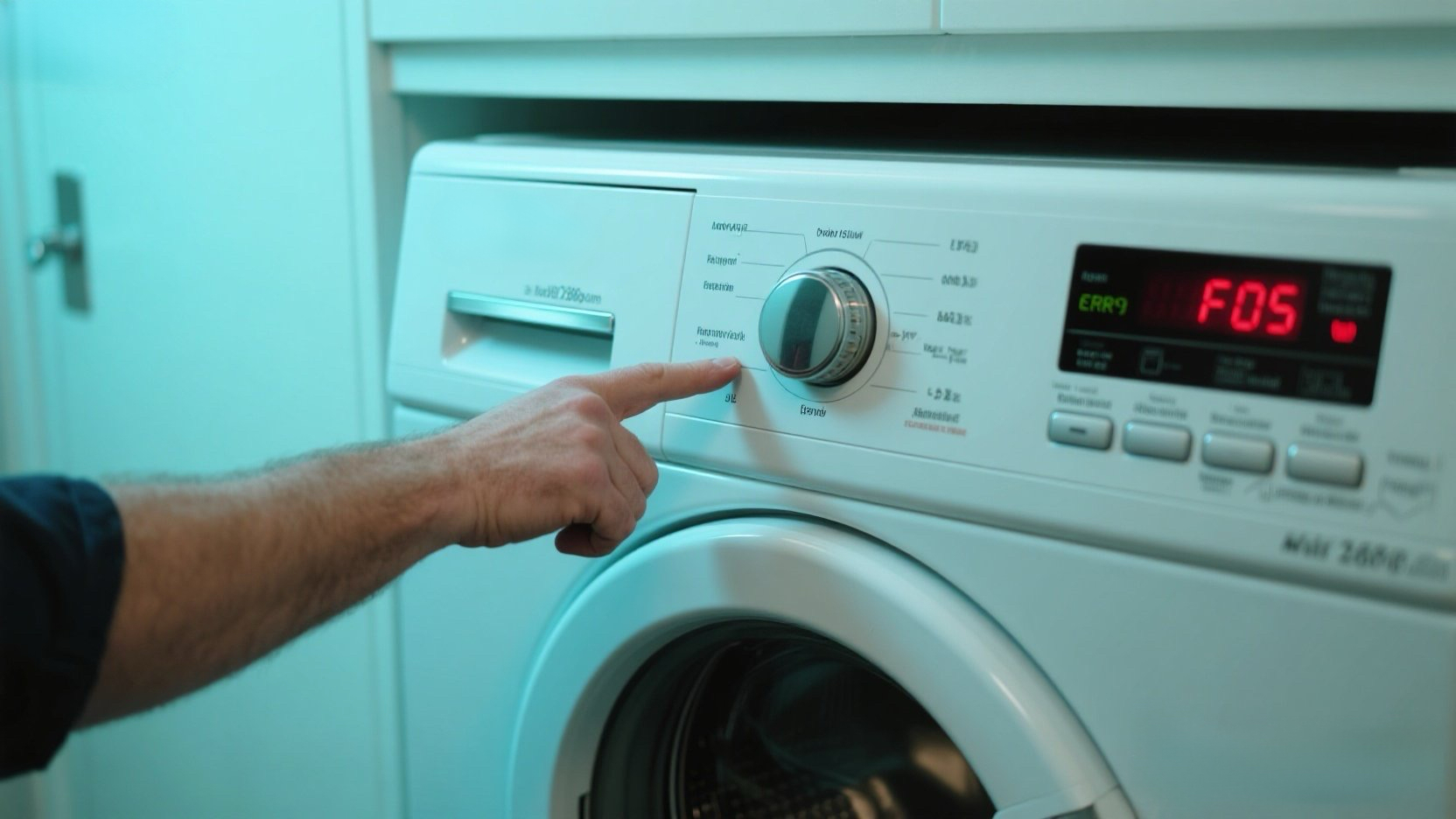
You see F05 (or F05 E02) flashing on your Whirlpool Duet washer. You Google it, and half the results say “Clogged Drain Pump,” while the other half say “Temperature Sensor.” Which is it?
The “Steve” Reality Check:
- If you are in Europe (or have a Whirlpool made by Indesit), F05 is indeed a drain issue.
- BUT (and this is huge), if you are in the US/Canada with a Whirlpool Duet Front Loader, F05 is a Water Temperature Sensor Fault.
Do not waste time cleaning your drain filter for this code on a Duet. Your computer thinks the water is freezing or boiling because the NTC sensor is dead. This guide fixes the Sensor.
🎥 The Repair Video
Watch this specific guide for replacing the Temperature Sensor (NTC) on a Front Load washer. It’s located at the bottom rear, right next to the heating element.
🛒 Parts & Tools Checklist
The sensor is a cheap part ($20-$30). Don’t try to “clean” the old one; once the internal resistance drifts, it’s trash.
-
The Part (NTC Temperature Sensor):
👉 Check Price for OEM Whirlpool Temp Sensor (WPW10467289)
(Note: This fits most Duet/Epic/Bravos models. Check your manual to be sure.) -
Essential Tool (10mm Socket):
10mm Socket & Ratchet (For the sensor nut) -
Multimeter:
Digital Multimeter (To confirm the fault)
🔧 Step 1: Access the Sensor
Safety First: Unplug the washer.
- Pull the washer away from the wall.
- Remove the screws securing the Rear Access Panel (usually T-20 Torx or 1/4″ hex).
- Look at the bottom of the tub. You will see a silver heating element plate.
- The Temperature Sensor is the small round probe inserted into that plate (or directly into the tub nearby). It has a connector with 2 small wires.
Ω Step 2: Test Before You Buy (Resistance Check)
You can verify the sensor is bad with a multimeter.
- Unplug the wire harness from the sensor.
- Set your meter to 20k Ohms ($\Omega$).
- Touch probes to the sensor terminals.
- The Verdict:
- At room temperature (70°F), it should read approx 10k to 12k Ohms (10,000 – 12,000).
- If it reads Infinity (OL) or 0, it is definitely dead. Replace it.
🛠️ Step 3: Replacing the Sensor
This is the tricky part where people make mistakes.
- Loosen the Nut: Use your 10mm socket to loosen the nut on the sensor. STOP before it comes off. You just want to relax the rubber seal.
- Wiggle it Out: Pull the sensor straight out. It fights back because of the rubber seal.
- Install New Sensor:
- Slide the new sensor in.
- Tighten the Nut: As you tighten, the rubber expands to seal the hole. Tighten until snug, but don’t crack the plastic.
- Reconnect the wire harness.
⚠️ Step 4: What if the Sensor is Good?
If your sensor tests perfect (12k Ohms) but you still get F05:
- Check Wiring: Trace the wires back to the CCU (Central Control Unit). Vibrations often break these thin wires.
- Check Connections: Unplug and re-plug the connector at the main board (usually plug TH2 or similar) to scrape off corrosion.
Need the sensor? Get the OEM one here: