
Note: This guide is based on verified repair protocols. As an Amazon Associate, I earn from qualifying purchases.
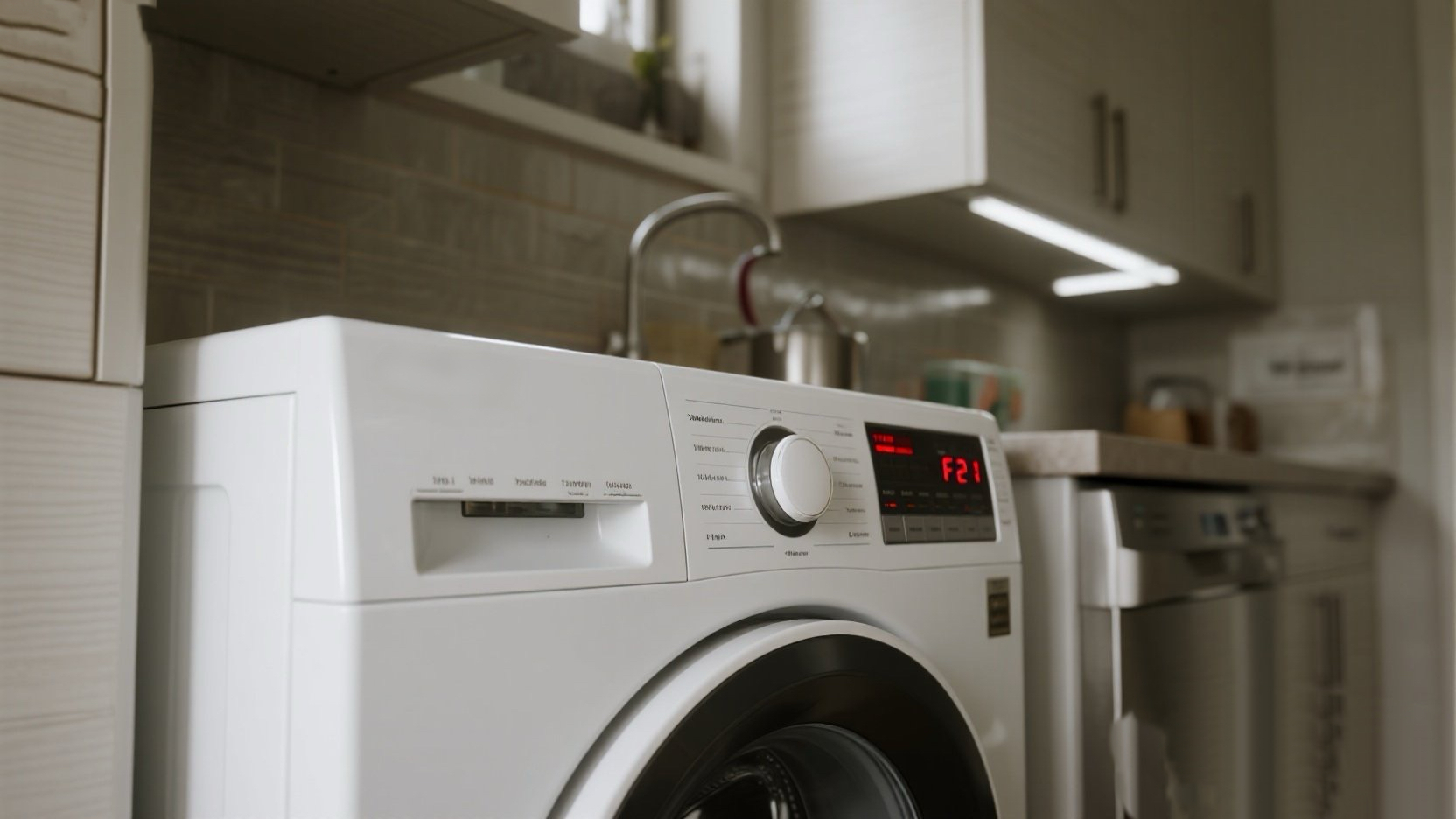
You start a load, leave, and come back to find the washer paused with a tub full of water and F21 flashing. This code means “Long Drain”. The computer gave the pump 8 minutes to empty the water, but it failed.
The “Steve” Reality Check: Before you buy a new pump, ask yourself: “Did I wash a rug with a rubber backing? Or small baby socks?” In most F21 cases, the pump is fine, but the filter is choked with debris. We will check that first.
🎥 The Repair Video
Watch this reliable guide from RepairClinic to see exactly how to access the bottom pump assembly. Even if you only plan to clean the filter (Step 1), you need to know how to remove the lower panel without scratching your machine.
🛒 Parts & Tools Checklist
If cleaning the filter doesn’t work, your pump motor is likely burnt out or the impeller is broken.
-
The Part (Drain Pump Assembly):
👉 Check Price for OEM Whirlpool Drain Pump (W10130913)
(Note: This fits most older Duet models that show F21. Always match your model number.) -
Essential Tool (Torx/Hex Driver):
T-20 Torx Driver (Required for panel screws) -
Cleanup Gear:
Wet/Dry Vac (Essential for draining the tub first)
🌊 Step 1: Emergency Drain (Flood Control)
Safety First: Unplug the washer.
If your door is locked and the tub is full, you cannot just open the filter—you will flood your house.
- Remove Toe Panel: Remove the screws at the very bottom front of the washer (usually Torx T-20).
- Locate the Pump: It’s the white assembly with black hoses attached.
- The “Slow Bleed”: Place a shallow baking pan and thick towels under the pump. Slowly turn the large round filter cap counter-clockwise until a trickle of water comes out.
- Fill and Dump: Fill the pan, tighten the cap, dump the pan. Repeat until the flow stops. (Or use a Shop Vac if you have one).
🧹 Step 2: The Coin Trap Cleanout
Once the water is gone, remove the cap completely.
- What to look for: Pull out the debris trap. You will likely find coins, bobby pins, lint, or color catcher sheets.
- Check the Impeller: Look inside the pump housing. Use your finger to flick the little fan blade (impeller).
- Good: It should feel “bouncy” (magnetic resistance) and turn slightly jerky.
- Bad: If it spins freely with no resistance, or if it is seized tight, the motor is dead. Go to Step 3.
- Reassemble and Test: If the impeller felt good, screw the cap back on (hand tight!), plug it in, and run a “Drain & Spin” cycle. If F21 is gone, you’re done!
🛠️ Step 3: Replacing the Drain Pump
If the filter was clean but F21 keeps happening, the pump is failing intermittently.
- Disconnect Hoses: Use pliers to slide the clamps back on the Inlet and Outlet hoses. Twist and pull the hoses off.
- Unplug Wire Harness: Squeeze the tab and pull the electrical connector.
- Remove Mounting Bolt: There is usually one screw holding the pump to the floor frame. Remove it.
- Swap and Install: Slide the new pump into the rubber grommets. Reconnect hoses securely (check for kinks!). Reconnect power.
✅ Step 4: Final Test
Don’t just walk away. Ensure there are no leaks.
- Pour a bucket of water into the drum.
- Select “Drain & Spin”.
- Watch the bottom of the pump for drips while it runs.
- Listen for the smooth hum of the new pump. F21 should be gone.
Pump motor dead? Get the exact replacement here: