
Note: This guide is based on verified repair protocols. As an Amazon Associate, I earn from qualifying purchases.
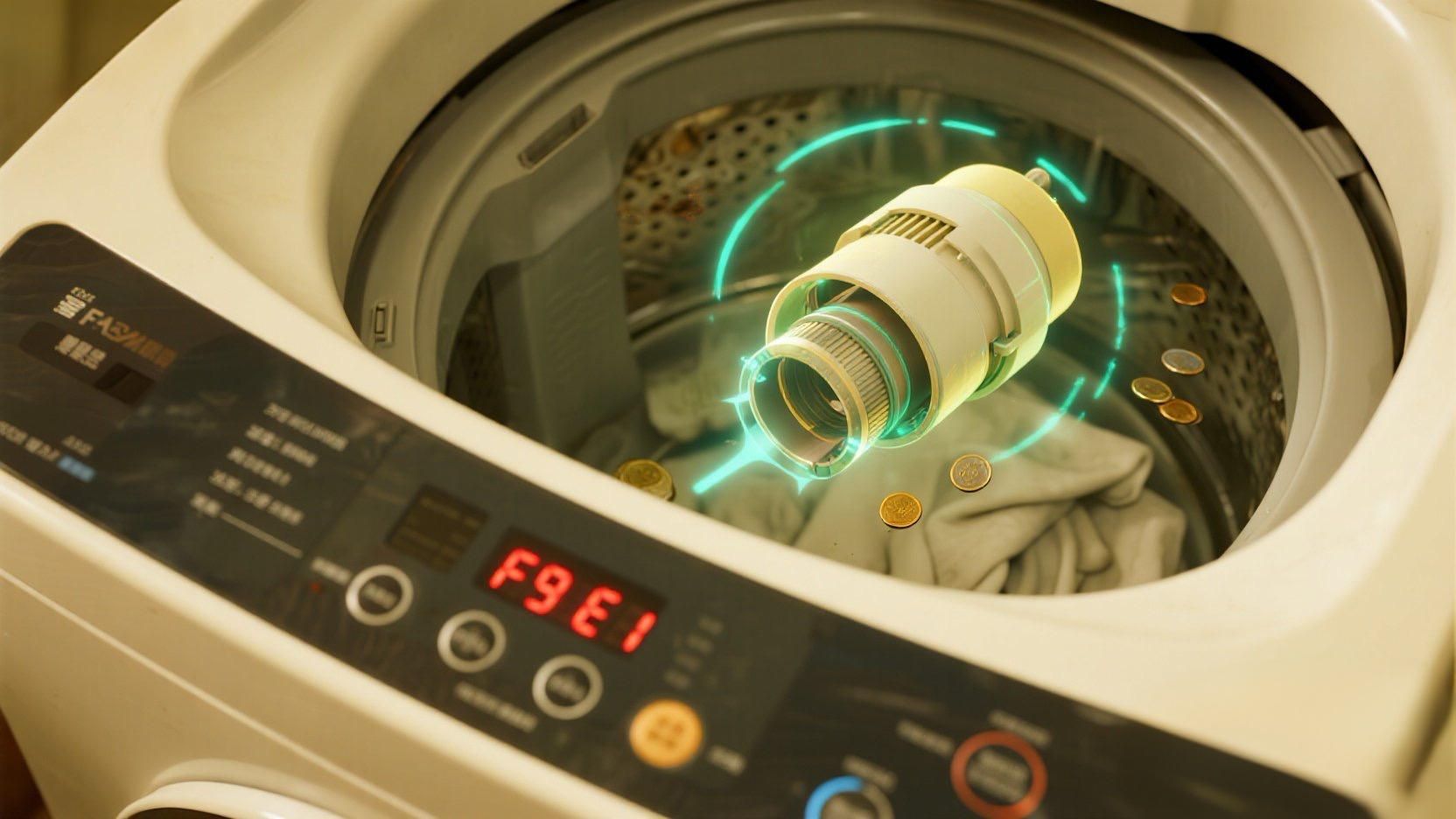
You start a load, come back an hour later, and find the washer full of soapy water with F9 E1 flashing on the display. This code stands for “Long Drain”, meaning the washer tried to pump the water out for 8 minutes but failed.
The Reality Check: Before you buy a new pump, you need to check the “Coin Trap” (Drain Filter). In 7 out of 10 cases, this error is caused by a stray sock, a color catcher sheet, or loose change blocking the flow, not a broken pump.
🎥 The Repair Video
Watch this comprehensive guide. It shows the complete process of accessing the pump assembly. Even if you only need to clean the filter (Step 1 below), you need to follow the video’s instructions on removing the bottom toe panel.
🛒 Parts & Tools Checklist
If cleaning the filter doesn’t fix it, your pump motor is dead. Here is what you need for the repair.
-
The Part (Drain Pump Assembly):
👉 Check Price for OEM Whirlpool Drain Pump
(Note: This fits most Duet/Cabrio front loaders, but always match your model number.) -
Essential Tool (Torx Bit):
T-20 Torx Screwdriver (Crucial for panel screws) -
Shop Vac / Towels:
Wet/Dry Vac (You WILL spill water!)
🧹 Step 1: The “Free Fix” (Clean the Filter)
Safety First: Unplug the washer.
Most F9 E1 errors can be fixed without spending a dime. The drain pump has a built-in filter designed to catch debris.
- Remove the Toe Panel: Use your T-20 Torx driver (or 1/4″ hex driver) to remove the 3 screws at the very bottom of the washer front.
- Prepare for Water: Put a shallow pan and thick towels under the pump housing (the white plastic assembly).
- Open the Coin Trap: Slowly turn the large round cap counter-clockwise.
- Warning: If the tub is full of water, it will ALL come out here. Open it slowly to control the flow.
- Clear the Debris: Pull out the filter trap. Remove coins, bobby pins, lint, or that missing baby sock.
- Test the Impeller: Stick your finger inside the hole and feel the little fan blade (impeller). It should spin with a little magnetic resistance (“bouncy” feel). If it spins freely or is stuck, the pump is broken.
🛠️ Step 2: Replacing the Drain Pump
If the filter was clean but the washer still won’t drain (and you hear a humming noise), the pump motor has failed.
- Disconnect Hoses: Use pliers to compress the clamps on the black rubber hoses (Inlet and Outlet). Slide them back and pull the hoses off.
- Unplug Wiring: Disconnect the wire harness.
- Remove Mounting Screw: There is usually one screw holding the pump to the frame, or it sits on rubber grommets that slide out.
- Install New Pump: Slide the new pump in, reconnect hoses (make sure clamps are tight!), and plug in the wire.
Steve’s Field Note: When putting the “Coin Trap” cap back on, be extremely careful not to cross-thread it. If it goes on crooked, it will leak all over your floor on the next wash. It should screw in smoothly by hand.
✅ Step 3: Reset and Test
Once the new pump is in (or the filter is clean):
- Secure the bottom toe panel.
- Plug the washer back in.
- Run a “Drain & Spin” cycle.
- Listen for the smooth hum of the pump and watch the water drain. The F9 E1 code should clear automatically.
Pump motor dead? Get the replacement here: