
Note: This guide is based on verified repair protocols. As an Amazon Associate, I earn from qualifying purchases.
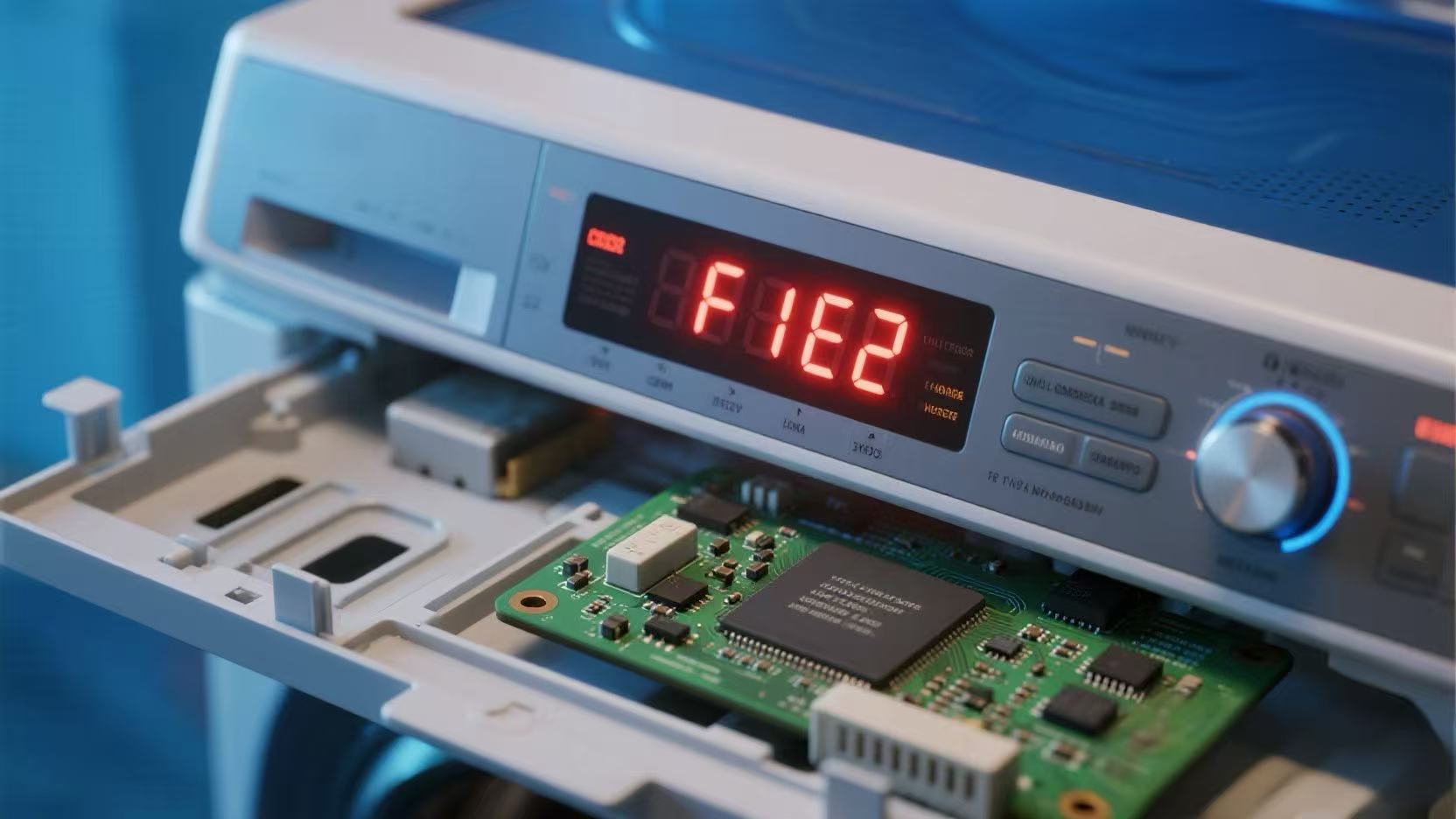
The washer stops mid-cycle, usually before a spin, and flashes F1 E2. This code stands for “Motor Control Unit (MCU) Error”. The main computer (CCU) is trying to talk to the motor driver (MCU), but there is no response.
The Fix: You need to inspect the connections on the MCU. If they are tight and clean, the MCU board has failed internally and must be replaced.
🎥 The Repair Video
Watch this guide by AppliancePartsPros to locate the MCU. On most Duet models, it is hidden behind the lower front toe panel or accessible from the back.
🛒 Parts & Tools Checklist
If the wiring is fine, the MCU is dead. This is a common failure on machines over 5 years old.
-
The Part (Motor Control Unit):
👉 Check Price for OEM Motor Control Unit (MCU)
(Note: MCUs are highly model-specific. Match your model number carefully before ordering!) -
Essential Tool (Torx/Nut Driver):
T-20 Torx & 1/4″ Nut Driver
(Required to remove the panels and the MCU box.) -
Cleaner:
Electronic Contact Cleaner
(To clean the wire plugs if they look dirty.)
🔌 Step 1: The “Vibration Check” (Loose Wires)
Unplug the washer.
- Remove Lower Panel: Remove the screws on the bottom front toe panel to verify access.
- Locate the MCU: It is usually a white plastic box mounted to the floor of the washer.
- Check Connections: Open the box (or reach in) and verify the 3 wire connectors:
- Power (3-wire): Is it fully seated?
- Comm (Little blue wires): This is the data line. If this is loose, you get F1 E2 instantly. Unplug it and plug it back in firmly.
- Motor (3-wire): Check for burn marks.
- Test: Close it up and run a cycle. If it works, you just saved $200.
🛠️ Step 2: Replace the MCU
If the wires were tight but the error persists, the board is toast.
- Remove the Box: Unclip the MCU housing from the washer floor using a flathead screwdriver.
- Swap Boards: Release the plastic tabs holding the circuit board inside the housing.
- Install New Board: Snap the new board in.
- Reconnect: Plug the harnesses back into the exact same spots (they are keyed, so you can’t mix them up).
🔄 Step 3: Reset the System
After installing electronic parts, a reset is recommended.
- Plug the washer in.
- Select a cycle and press Start.
- If it runs for 1 minute without error, you are good to go.
Need the MCU? Get the OEM version here: