
Note: This guide is based on verified repair protocols. As an Amazon Associate, I earn from qualifying purchases.
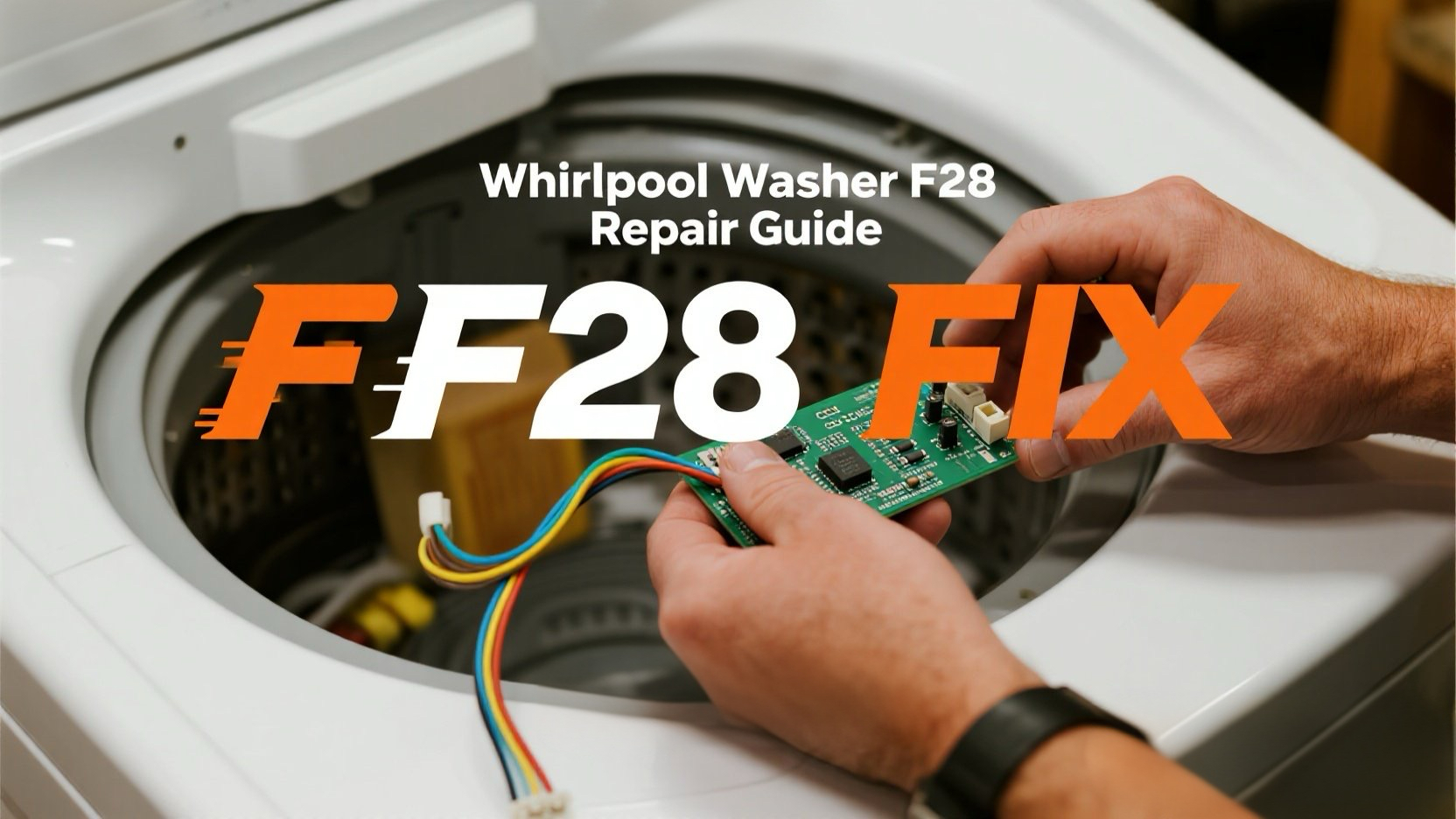
Your washer stops mid-cycle and flashes F28. This is a classic “Communication Error”. It means the main brain (CCU) and the motor’s computer (MCU) have stopped talking to each other.
The Fix: You need to inspect the communication harness between the CCU and MCU. If the wires are solid, the MCU board has likely failed.
🎥 The Repair Video: F28 Troubleshooting Masterclass
In this guide, you’ll see how to access both the CCU and MCU. This is the most reliable way to visualize the “Wiggle Test” Steve mentioned above.
- 00:14 – Explanation of the communication error between boards.
- 01:47 – Steve’s Tip: Take a photo of the connectors before unplugging so you don’t mix them up!
- 04:39 – How to remove the lower panel to find the Motor Control Board (MCU).
- 07:02 – The trick to releasing the MCU board from its plastic bracket.
- 11:21 – The “Wiggle” success: How simple re-seating of cables can save the day.
🛒 Parts & Tools Checklist
If the “Unplug & Pray” reset doesn’t work, you’ll likely need these:
-
The Part (Motor Control Unit – MCU):
👉 Check Price for OEM MCU Board
(Note: MCUs are highly model-specific. Match your model number carefully!) -
Steve’s Secret Weapon:
Electronic Contact Cleaner
(Essential for cleaning oxidized pins on the communication harness.)
🔌 Step 1: The “Wiggle Test” (Free Fix)
Unplug the washer. Safety first!
- Open the Top: Remove the three 1/4″ screws on the back and slide the top panel off.
- Inspect the CCU: Locate the main board. Find the thick harness labeled “Motor” or “Communication.”
- The Fix: Unplug the connector, spray it with contact cleaner, and plug it back in firmly. Do the same for the MCU at the bottom of the machine.
🛠️ Step 2: Replacing the Board
If cleaning the wires didn’t work, the “brain” inside the MCU has failed.
- Remove Lower Panel: Access the MCU box at the bottom front or back.
- Swap Boards: Unclip the old MCU, transfer the wires one-by-one to the new board, and snap it back into the housing.
🔄 Step 3: Power Up & Test
- Plug the washer in.
- Select “Drain & Spin” and press Start. If it runs for 2 minutes without F28, you’ve nailed it.