
Note: This guide is based on verified repair protocols. As an Amazon Associate, I earn from qualifying purchases.
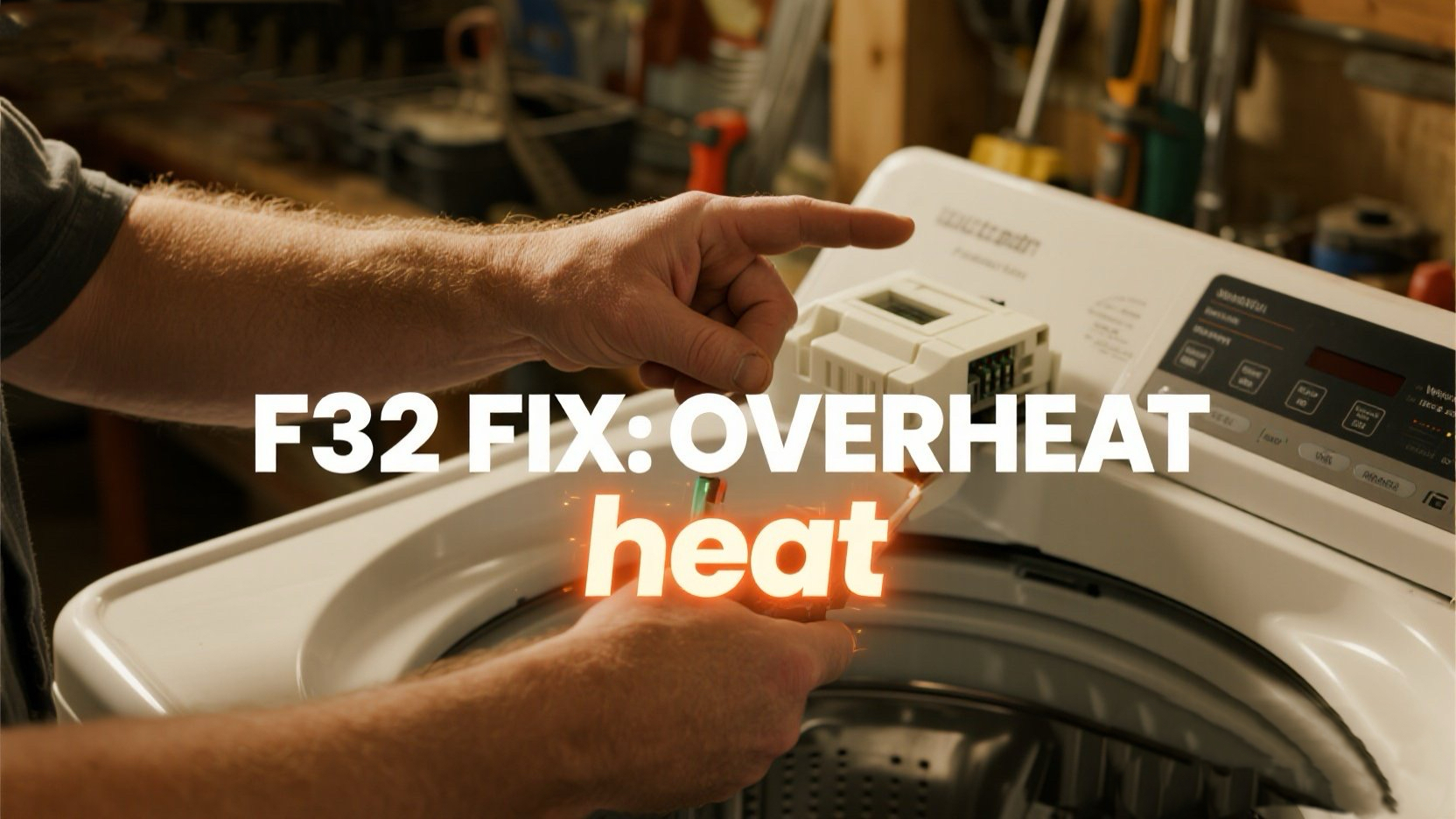
Is your laundry room smelling a bit warm, and your machine is flashing Whirlpool Washer F32 Error? This code means your Motor Control Unit (MCU) is overheating. The brain is telling the motor to stop before it melts itself down!
⚠️ Steve’s Field Notes: F32 is often a “stress” code. If you’ve been doing 5 back-to-back heavy rug loads, your MCU just needs a break. But if it happens on the first load, we need to check for friction or board failure.
🎥 The Repair Video: Accessing the MCU
Since F32 is an MCU issue, you need to know exactly where this board lives (at the bottom of the cabinet). This video shows the teardown process.
- 00:45 – Opening the cabinet to locate internal boards.
- 02:30 – The Heat Check: Looking for burnt marks on the MCU housing.
- 04:40 – How to remove the lower panel for better airflow and access.
- 07:15 – **The Wiggle Test:** Ensuring the motor harness isn’t creating high-resistance heat.
- 11:20 – Successful reset after the components have cooled down.
🛒 Parts & Tools for F32 Fix
-
The Part: Whirlpool MCU Board (If damaged)
👉 Check Price on Amazon -
Steve’s Must-Have: Electronic Contact Cleaner
Clean your connectors to reduce resistance!
🛠️ How to Resolve Whirlpool Washer F32 Error
- The 30-Minute Cool Down: Unplug the washer for at least 30 minutes. This is the most common fix for F32.
- Check for “Drag”: Spin the drum by hand. If it’s hard to turn, your motor is working too hard, causing the MCU to overheat.
- The Wiggle Test: Open the bottom panel, unplug the MCU connectors, and check for “melting” or scorched plastic.
- Clear the Dust: Use compressed air to blow out any lint around the MCU. Lint acts like a blanket, trapping heat!
Still having trouble? Head back to our Whirlpool Washer Error Code Index for more DIY help!